Your Mac, in your pocket
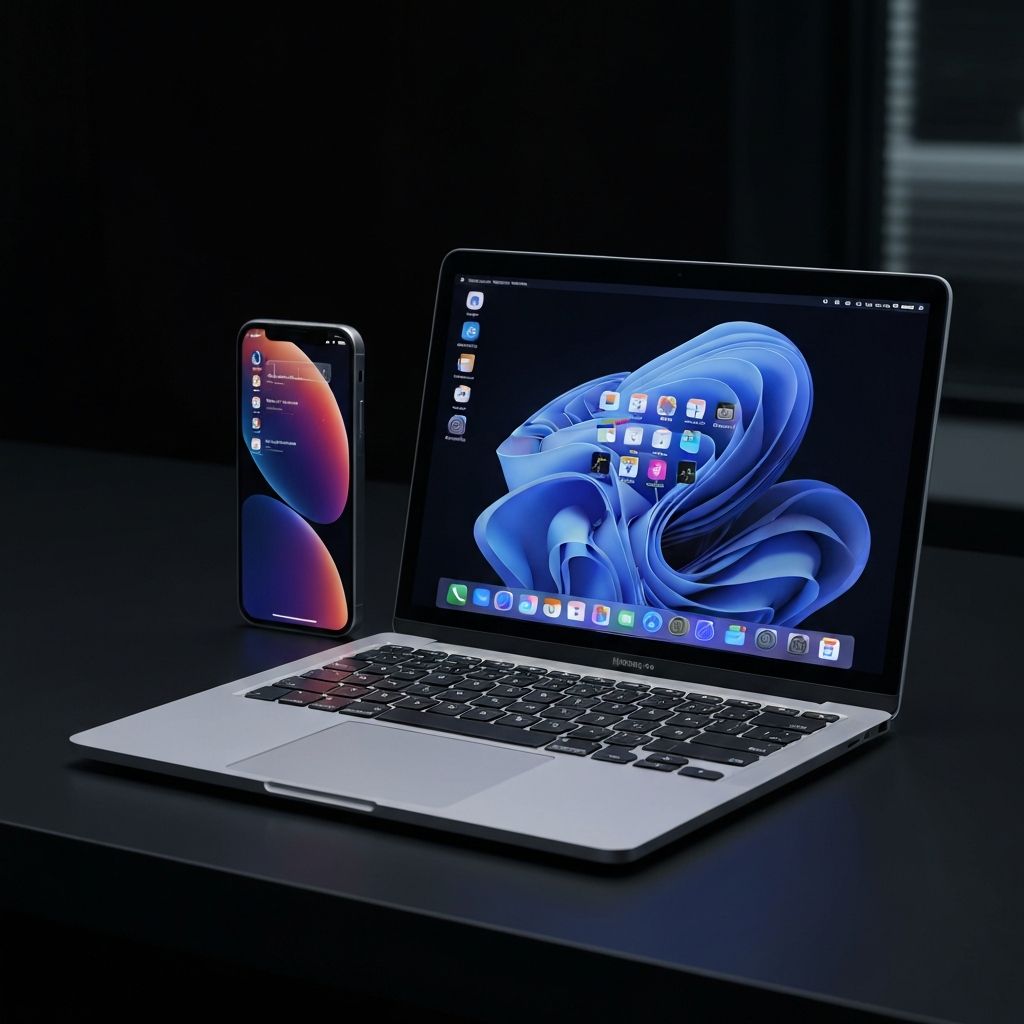
Control your MacBook from your iPhone. Zero config, instant connection, full remote desktop. The easiest screen sharing app ever built.
Free to view. $4.99/year for full control. macOS 13+ and iOS 17+ required.
Features
Everything you need, nothing you don't
Instant Connection
Bonjour auto-discovery on LAN, iCloud sync across networks, and multi-region relay servers. Your Mac is found automatically — no IP addresses or port forwarding.
H.264 Streaming
Hardware-accelerated encoding via ScreenCaptureKit delivers smooth, low-latency video to your iPhone.
Full Input Control
Tap to click, pinch to zoom, swipe to scroll. Full keyboard with Ctrl+key combos, arrow keys, and all modifiers.
Window & Display Picker
Stream your full desktop or a single window. Switch between multiple displays and windows on the fly from your phone.
Terminal Tab Switching
Select a Terminal window and get a list of all open tabs. Switch between Terminal sessions directly from your iPhone.
End-to-End Encrypted
AES-256-GCM encryption for remote connections. The relay server only forwards encrypted data it cannot read. LAN connections stay peer-to-peer.
Works Anywhere
Local network or remote — your Mac is always within reach. Multi-region relay servers in the US, EU, and Singapore for low-latency access worldwide.
How It Works
Three steps. That's it.
Install & grant permissions
Download the menu bar app and grant Screen Recording to start streaming. For remote control, enable Accessibility. For Terminal tab switching and Ctrl+key combos, approve the one-time Automation prompts when they appear.
Open the iOS companion app
Your Mac appears automatically — via Bonjour on your local network, or via iCloud when you're away. Same Apple ID, zero configuration.
Tap to connect
One tap and you're in. Full remote desktop with touch, keyboard, window switching, and Terminal tab navigation. End-to-end encrypted over relay.
Permission gotchas
- Screen Recording — Required on first launch. You may need to quit and relaunch after granting it.
- Accessibility — Without this, you can see your Mac but can't click or type. Enable it in System Settings > Privacy & Security > Accessibility.
- Automation — macOS shows one-time prompts for System Events (Ctrl+key combos) and Terminal (tab switching). If you click "Don't Allow", the feature silently fails with no error. Fix it in System Settings > Privacy & Security > Automation.
Pricing
Simple, transparent pricing
Free
View your Mac from your iPhone with full streaming.
- LAN & remote screen viewing
- Bonjour + iCloud discovery
- H.264 hardware encoding
- End-to-end encryption
- Pinch to zoom
Pro
Full remote control with keyboard, windows, and more.
- Everything in Free
- Keyboard & special keys input
- Arrow keys overlay
- Window picker & Terminal tabs
- Space navigation (Ctrl+arrow)
FAQ
Common questions
Ready to take control?
Download MacAgent today and start accessing your Mac from your iPhone in seconds. It really is that simple.